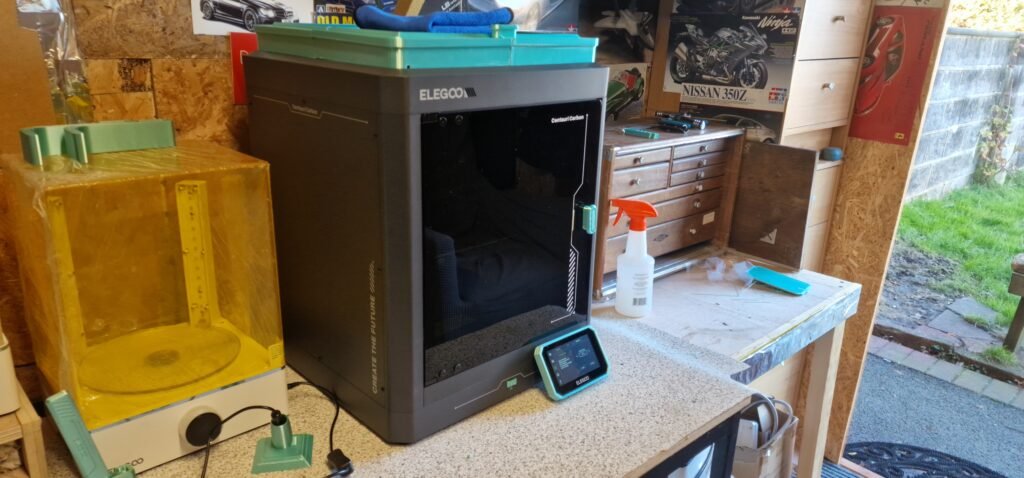
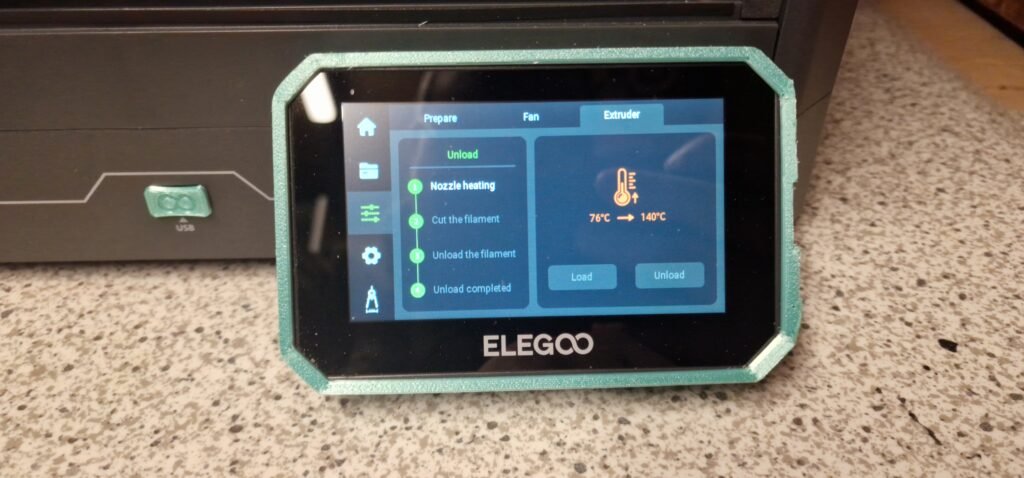
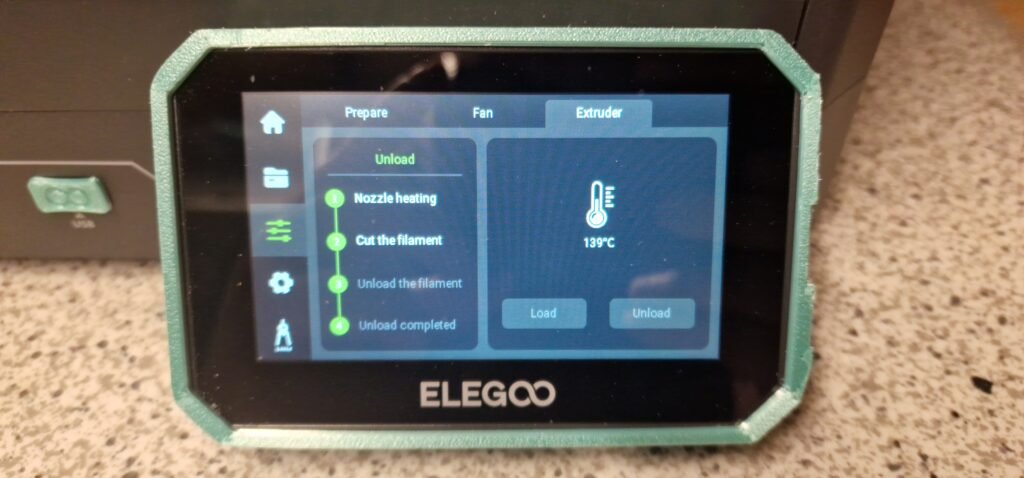
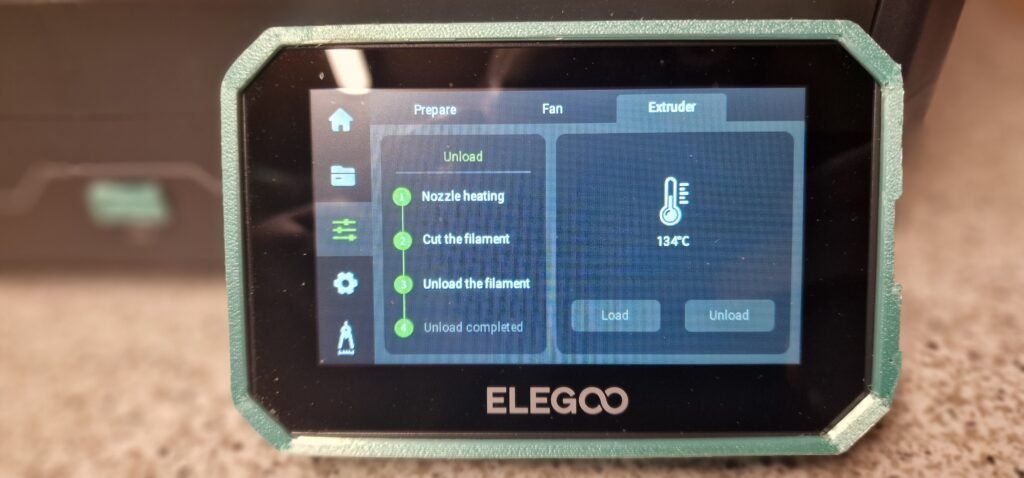
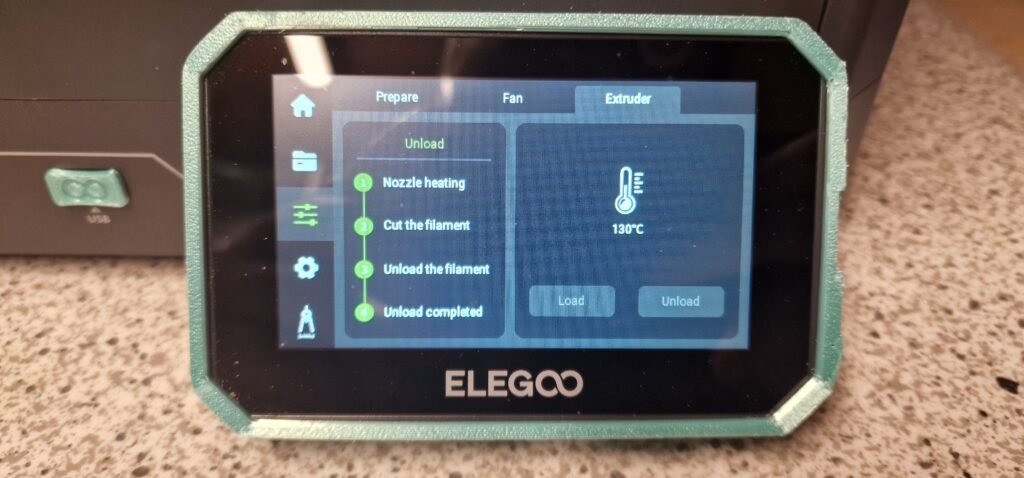
Welcome to Dudley’s Blog, This blog is here to help you to unload and reload the Elegoo Centauri Carbon, I have done it to help them new people to the printing world or for them people who is looking to get one of these printers and just want to know if it’s easy to do.
After 4 or 5 filament spool and unloading and reloading for a week on building my mods for the printer, I found doing them was very easy and fast to do. The only down side I can see is if it don’t cut it want unload and that happened twice to me I don’t understand why the printer is so new so all the parts will be new, But if it cuts it’s great it just come out easy.
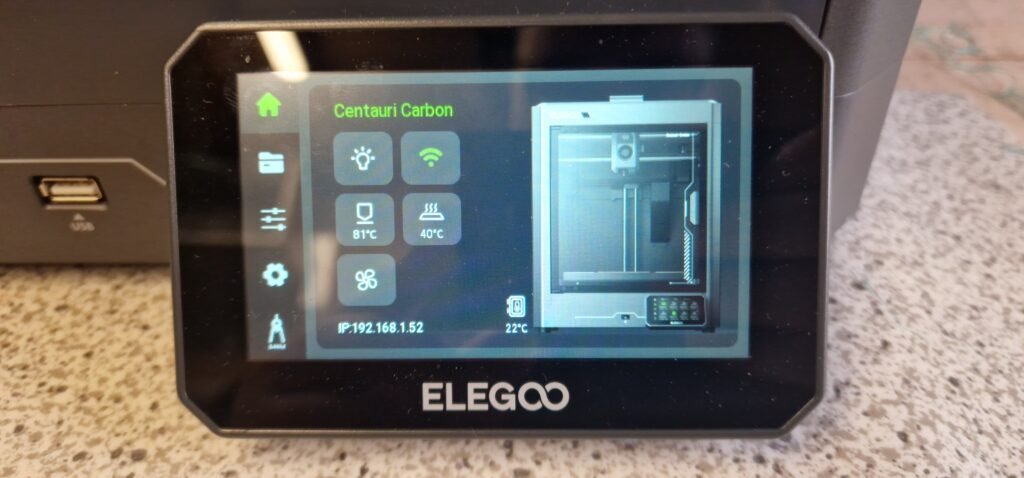
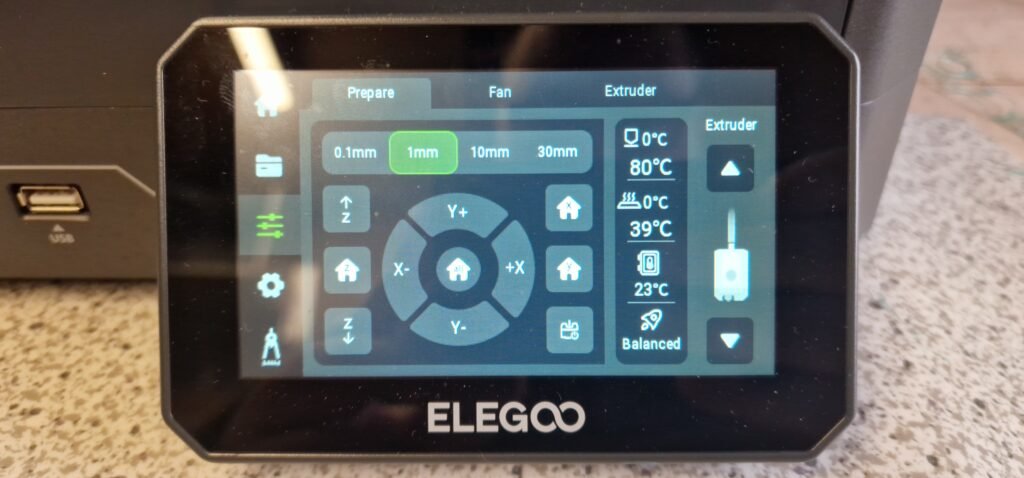
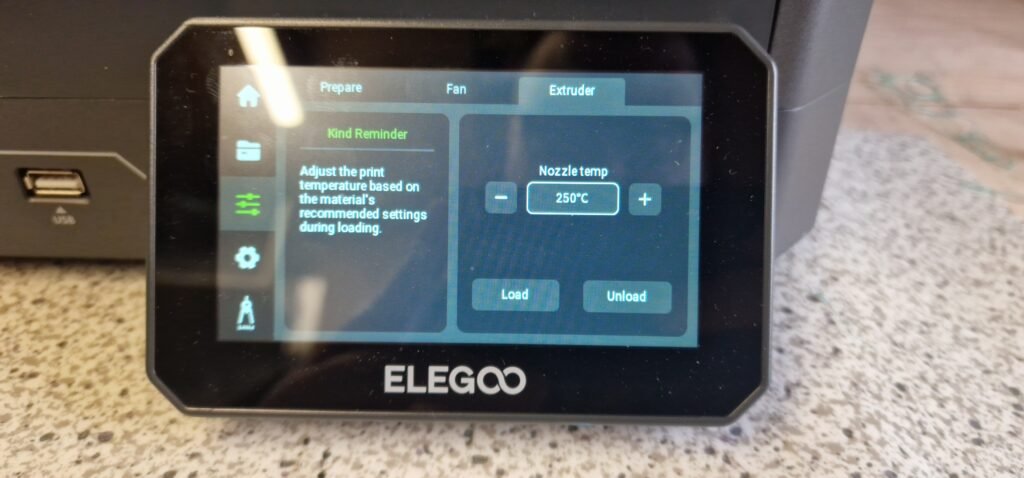
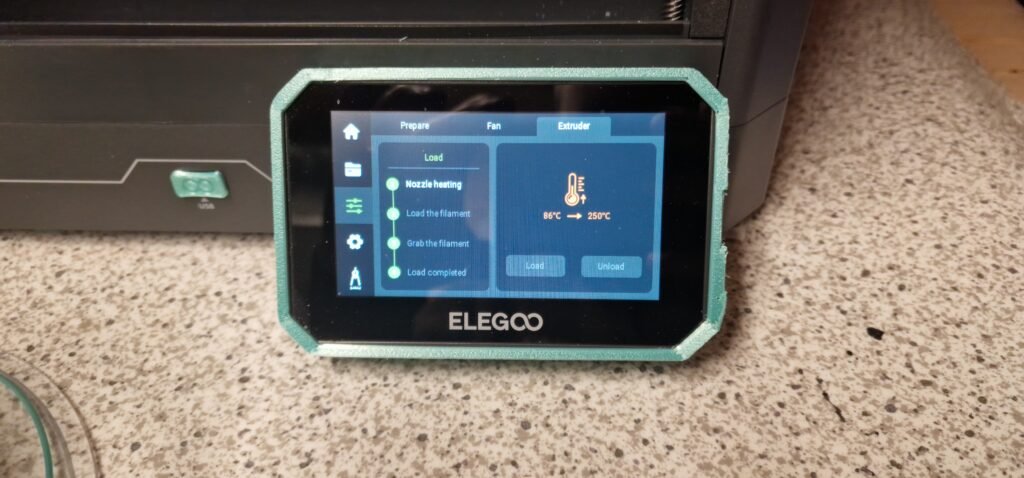
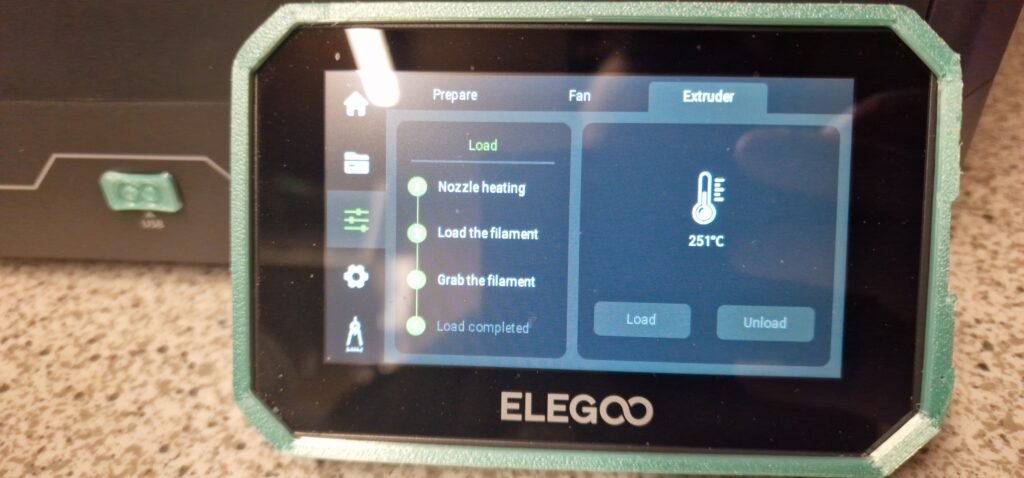
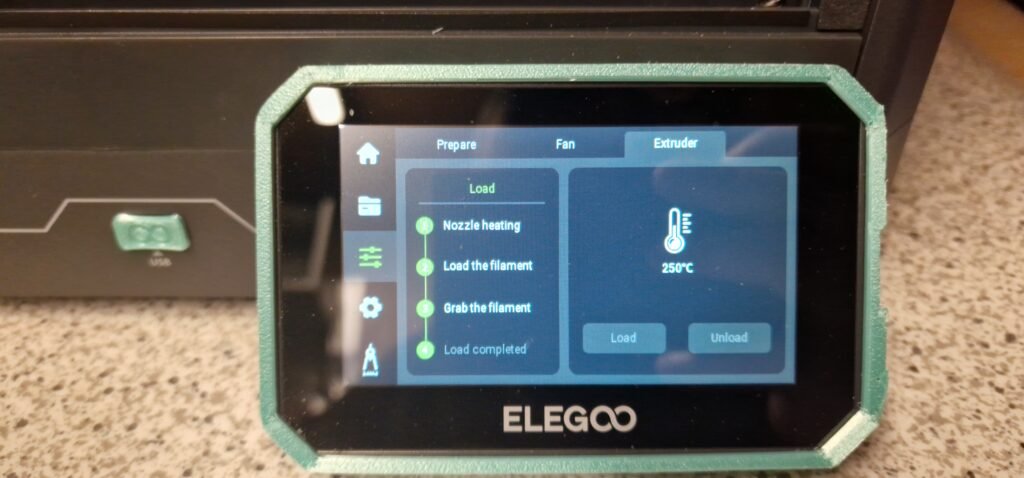
Like I say unloading is very simple and easy, Just go to the little screen on the bottom of the printer then 3rd one down click that then go to the last one at the end of the list on the top then you should see 2 boxes the one were it says unload and load click the unload then the printer will do all the work and when it’s done pull out the filament then remove the spool then put the new one on.
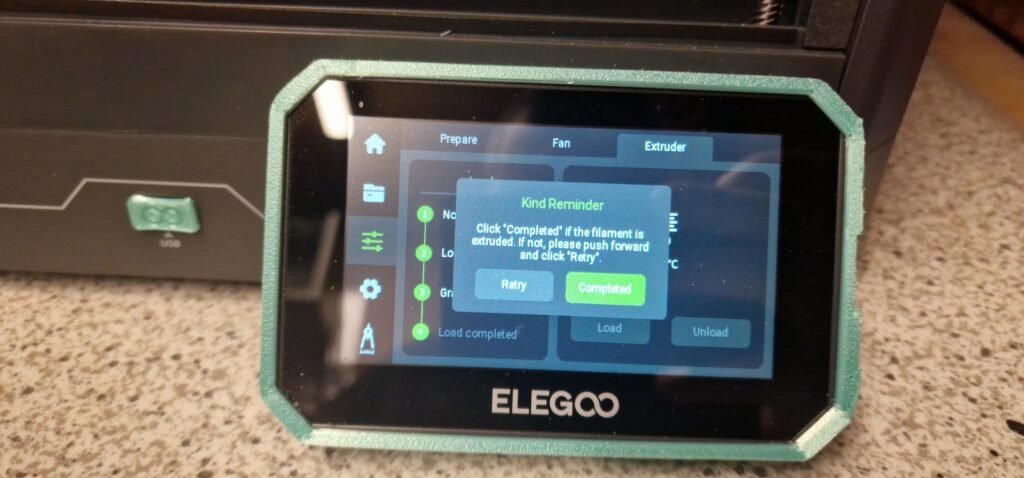
Reloading is the same as unloading but the other way you are putting the filament into the printer, Again the printer will tell you what to do and it will do all the work,
How I do it is put the Spool on then but the filament in the printer and keep a eye on the tube in the printer to see if the filament goes through good then click start on the reload, then click done when it comes up. Then just keep printing .